This is a global announcement. This is a global announcement. This is a global announcement. This is a global announcement. This is a global announcement.
Learn More >>
You can never have enough data, and one of the best ways to use your Google Analytics data is examine WHERE people came from on their way to your site. And once you have determined where these visitors came from, it’s helpful to break that information down a step further to see specifics.
In the video below I am going to quickly walk you through setting up the proper links (URLs) so you can more easily tag and identify your online advertising campaigns in Google Analytics. You will see why it’s informative to be able to see, for example, why it’s not just important to see that a visitor came from Facebook, but to see what series of your Facebook ads they clicked.
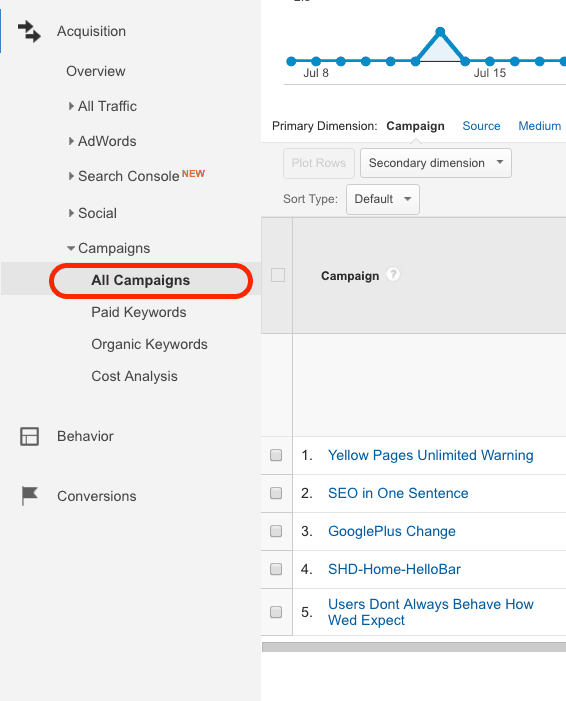
Once you start to generate traffic from your campaign, you should be able to see data in Google Analytics. To see the Campaign data you can navigate to Acquisition -> Campaigns -> All Campaigns. In the image below, you can see the names of some of my campaigns. If I had included the entire screen you'd be able to see the number of visitors per campaign, the time they spent on the site, etc., so you can better understand what content your visitors want to read.
Dr. Wank has been at the helm of Short Hills Design since he founded the company over a decade ago and is the author of the Small Business Web Design Workbook. Dr. Wank currently serves on the editorial advisory board for DentalTown magazine and writes their web development CE course.