This is a global announcement. This is a global announcement. This is a global announcement. This is a global announcement. This is a global announcement.
Learn More >>
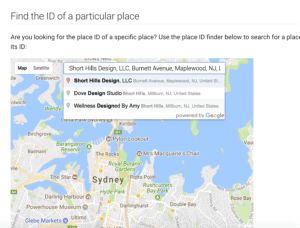
In the past we would always put a social icon link to a company's Google + Profile along with the other social icons (FB, Twitter, etc.). Because Google Plus hasn't been used actively in a while, it's finally time to change the icon link on your website from your Google Plus profile to your Google My Business reviews area. Not only is a modern upgrade, but it will help facilitate patient reviews.
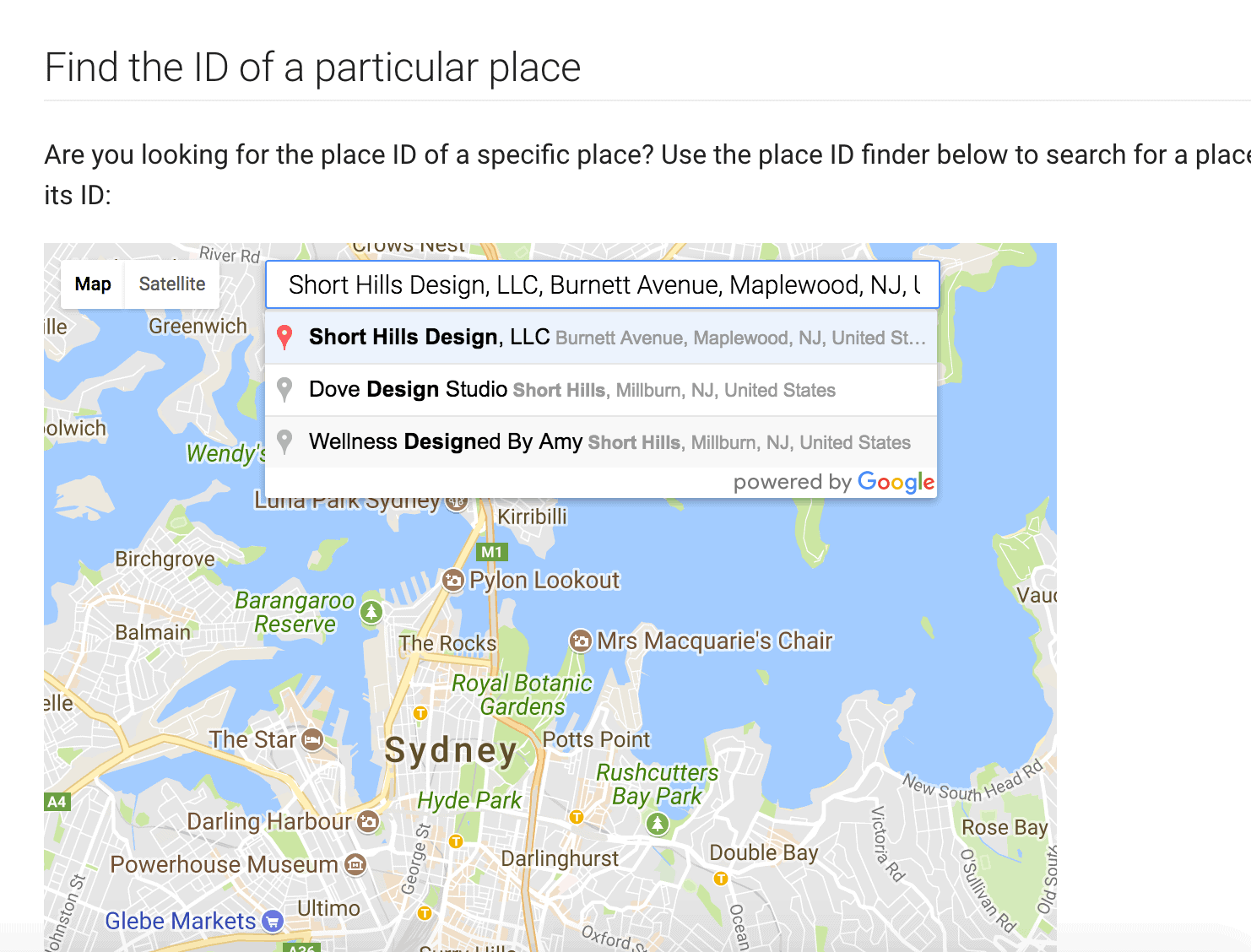
https://search.google.com/local/writereview?placeid=
and add your ID from step 3 to the end of the line. So the finished link would look like:
https://search.google.com/local/writereview?placeid=ABCDEFGHIJKLMNOP
(where ABCDEFG...is your ID from step 3).
Dr. Wank has been at the helm of Short Hills Design since he founded the company over a decade ago and is the author of the Small Business Web Design Workbook. Dr. Wank currently serves on the editorial advisory board for DentalTown magazine and writes their web development CE course.