This is a global announcement. This is a global announcement. This is a global announcement. This is a global announcement. This is a global announcement.
Learn More >>
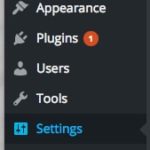
Your WordPress installation requires that you provide an email address in order to send you infrequent - but important updates. In general, WordPress will only send you an email when a new version of WordPress is available, or if WordPress has automatically completed a minor update (this is the expected behavior).
You can view or change this email address by navigating to your admin panel.
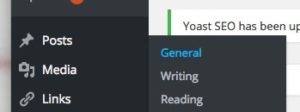
2. Scroll down to the "Email Address" box.

3. Enter your preferred email address, and then scroll to the bottom of the page and press "Save Changes"
Dr. Wank has been at the helm of Short Hills Design since he founded the company over a decade ago and is the author of the Small Business Web Design Workbook. Dr. Wank currently serves on the editorial advisory board for DentalTown magazine and writes their web development CE course.